CalQuity LabsBook a discovery call

Workflow automation

Stop keying the same details into every system.

Customer, order and billing details get retyped from one tool to the next. We build agents that fill the forms, send the invoices and update the records, and ask a person when anything is unclear.

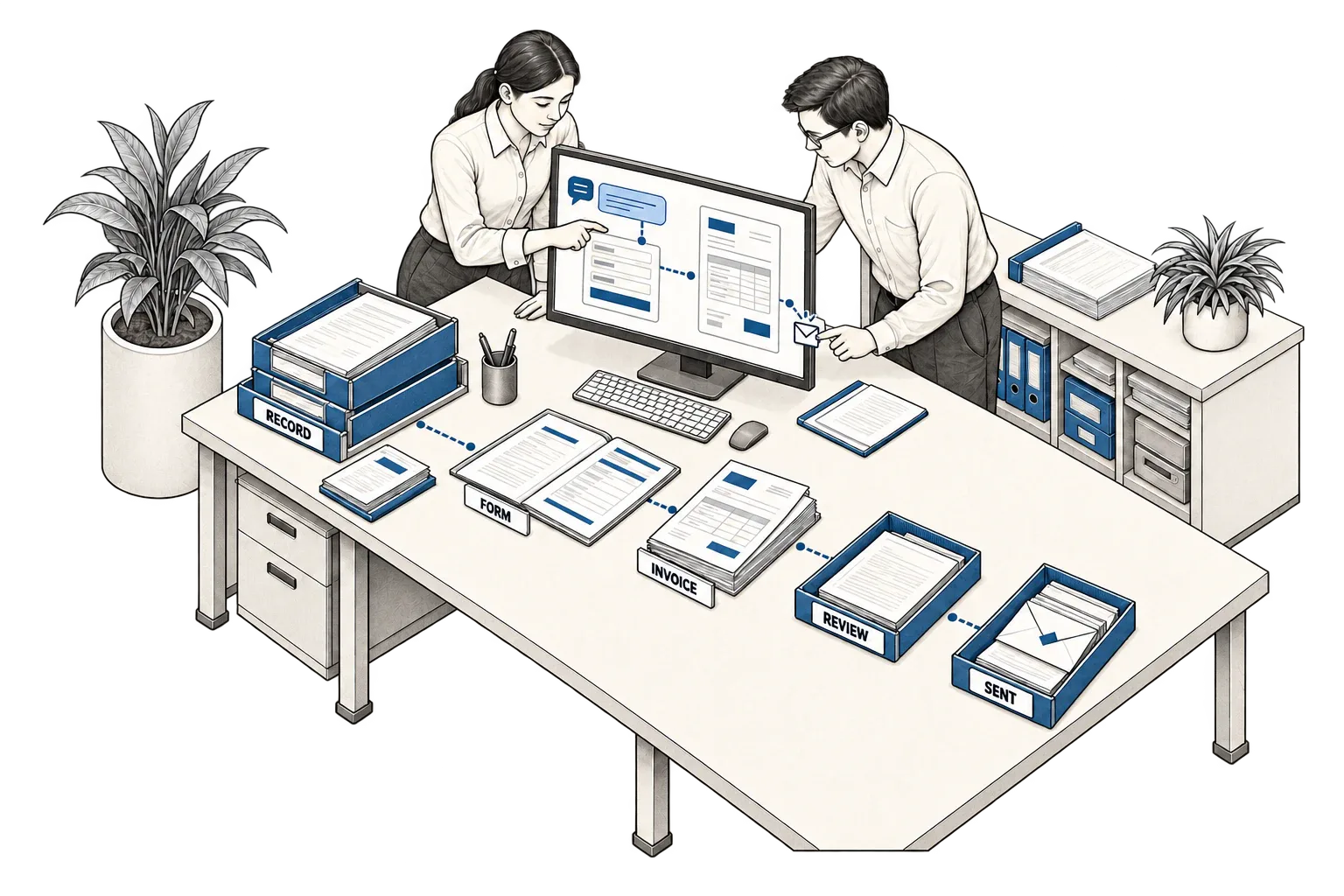
Colleagues completing a form and sending an invoice from connected records.

A sample run

Invoice a customer from one chat message.

One message starts it. Every check runs before anything is sent, and a mismatch goes to a person instead of a guess.

Sample · Finance chat

Request

Asha · Accounts

Invoice Kestrel Foods for October’s maintenance contract.

Agent · to Asha

Done. INV-1043 for ₹56,640 sent to accounts@kestrelfoods.in and logged in Tally.

Checked against

CustomerTally
Kestrel Foods Pvt Ltd
ContractMC-212
₹48,000 / month
Billing contactCustomer record
accounts@kestrelfoods.in
October invoicesTally
None raised
  • Amount matches the contractPassed
  • Billing contact matches the customer recordPassed
  • No October invoice raised yetPassed

Result

INV-1043Sent

Kestrel Foods Pvt Ltd · accounts@kestrelfoods.in

Maintenance, October
₹48,000
GST 18%
₹8,640
Total
₹56,640

Sent 09:42 · delivery logged in Tally

Sample data. Names and figures are illustrative, not from a client.

What it handles

What it can take off your team.

You decide which tasks run automatically and which need a sign-off. It never guesses a missing detail; it asks. Your business systems stay the record of everything it does.

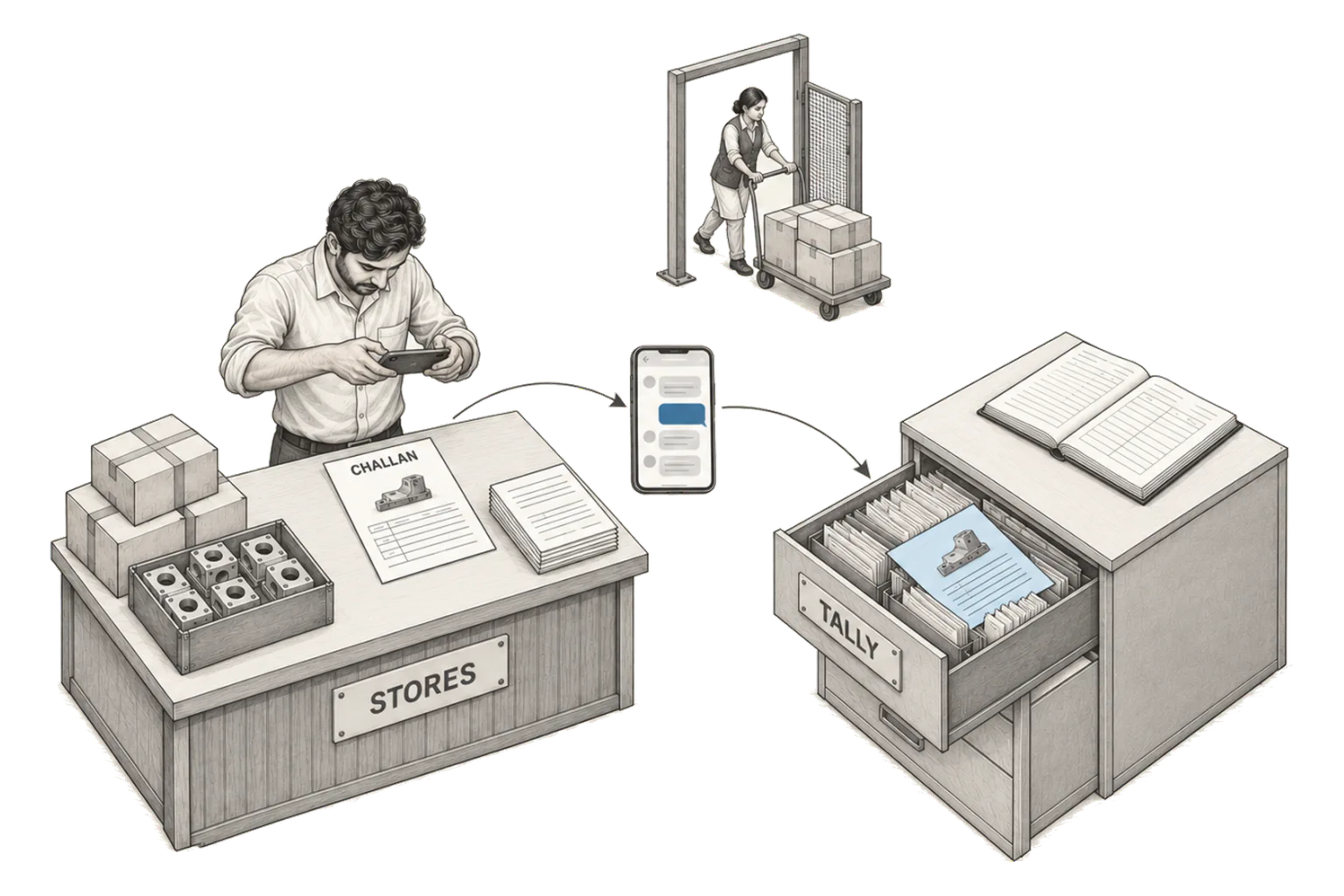
Isometric pen-and-pencil drawing of a stores worker photographing a challan, sent as a chat photo to a document filed in a TALLY drawer beside a ledger, with a carton trolley at the gate.

Paper to records, from a photo.

Challans, bills, delivery proofs and signed forms are photographed and sent on WhatsApp. Each one is read, filed against the right record and entered for approval.

It does
Reads the photo, finds the record, enters the fields
You approve
Entries before they post; unreadable photos go back with what’s missing
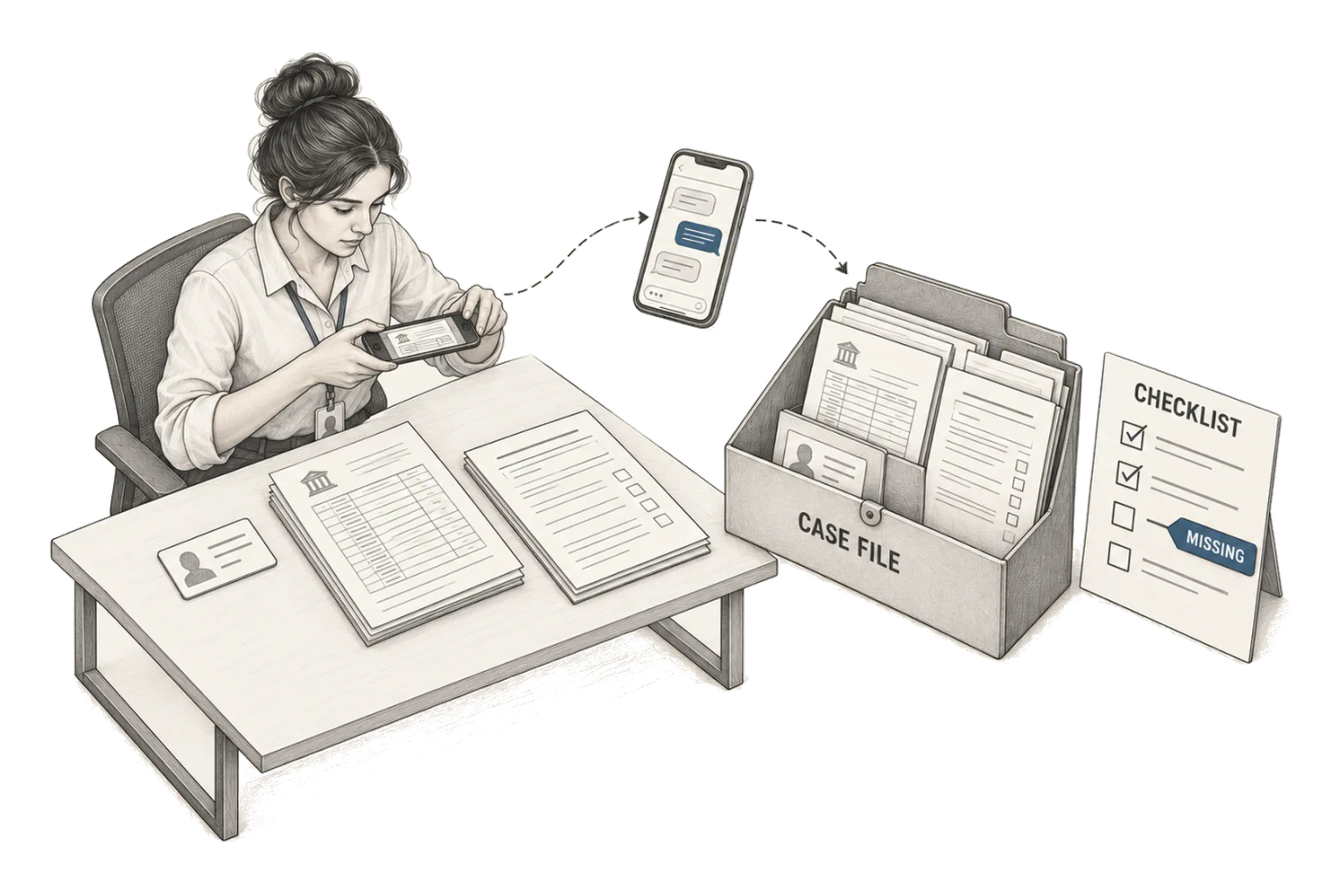
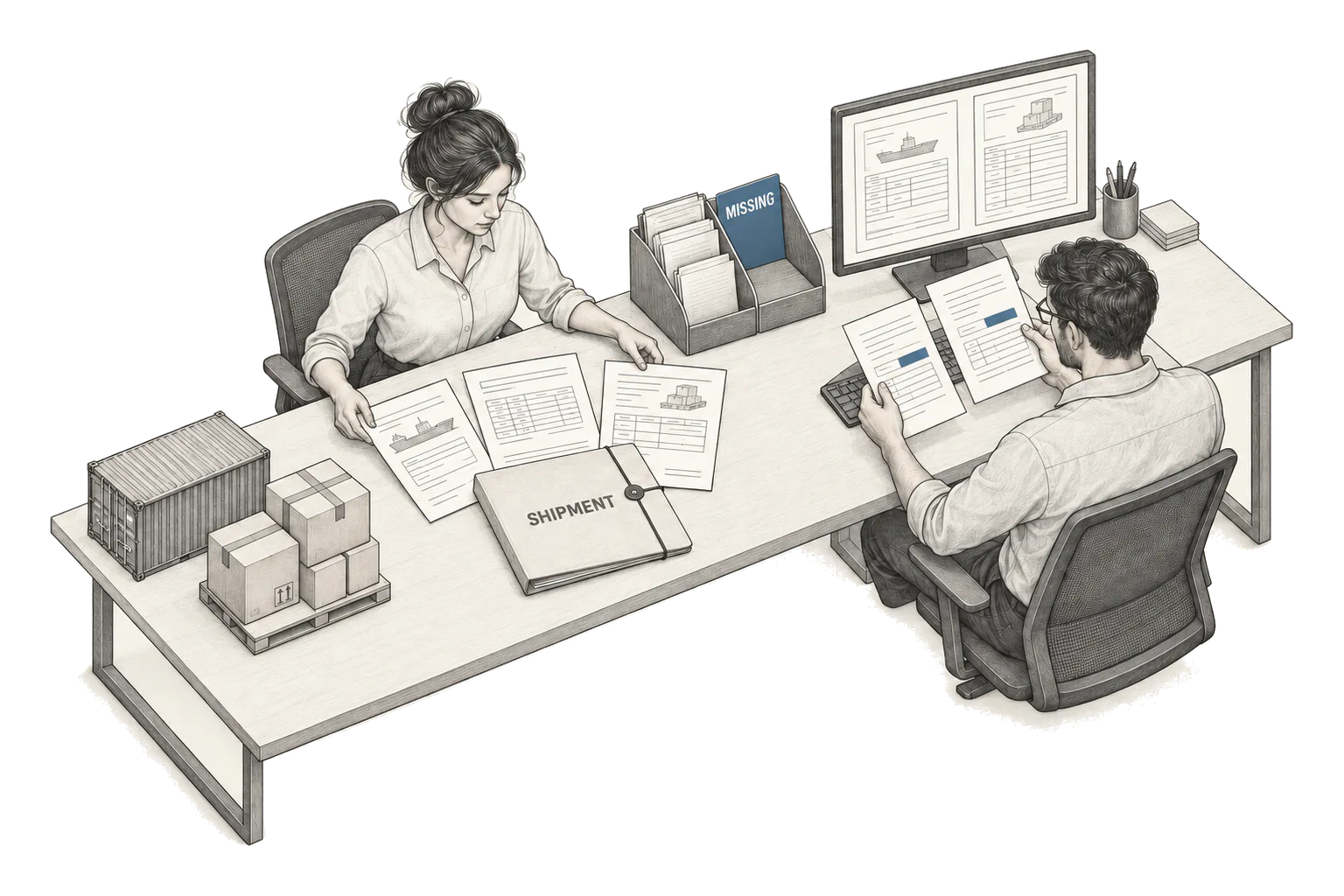
Isometric pen-and-pencil drawing of a field agent photographing customer documents, sent as a chat photo to a CASE FILE beside a CHECKLIST with a MISSING tag.

Forms filled from what you already hold.

Onboarding, application and vendor-registration forms are filled from customer records and the documents they sent, with missing fields flagged before anything is submitted.

It does
Fills every field it can source, lists the gaps
You approve
Submission, and anything it couldn’t source
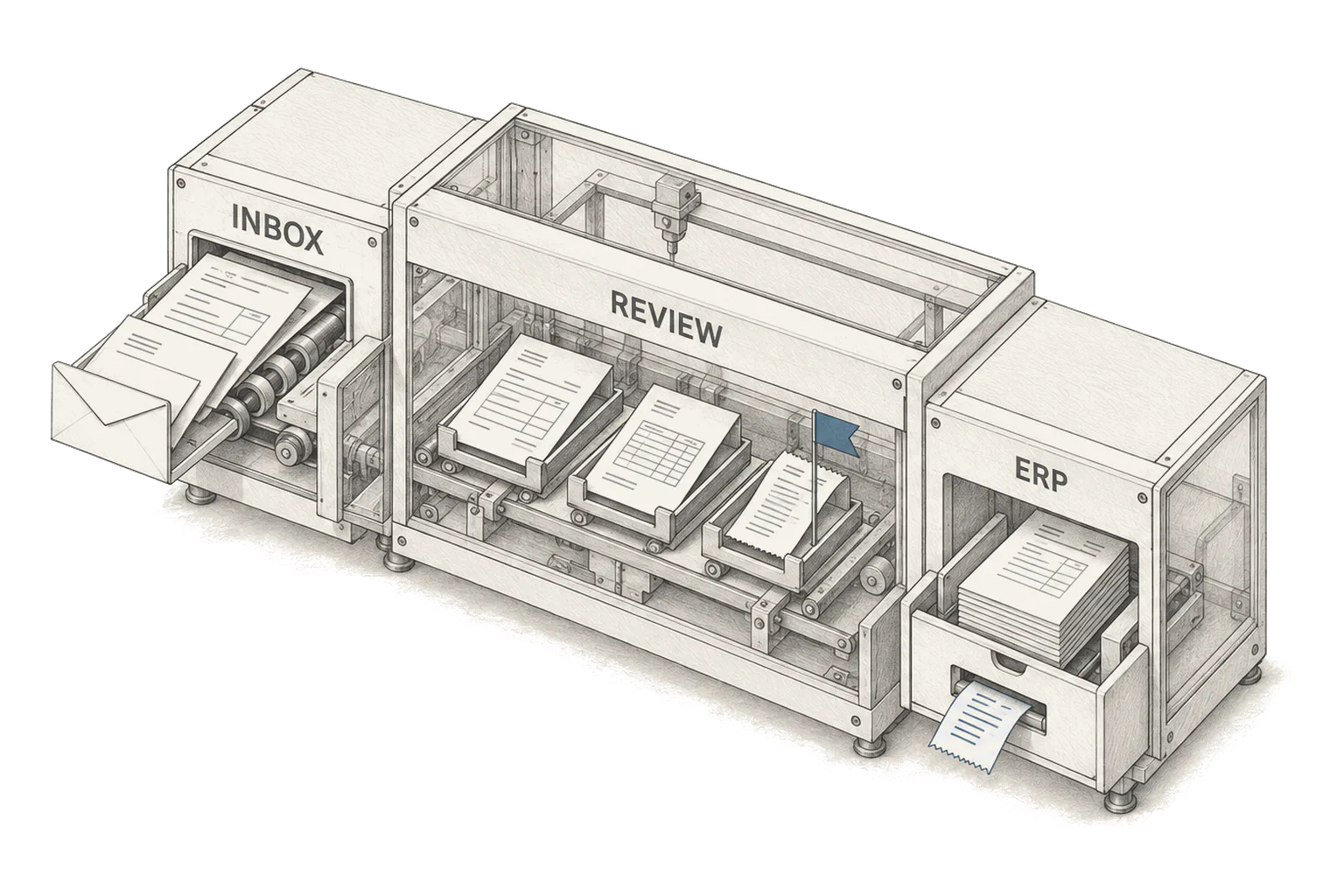
Isometric cutaway of a cabinet with an INBOX slot, a REVIEW chamber where one invoice is flagged against its order and receipt, and an ERP drawer returning a receipt.

Invoices in and out.

Customer invoices are raised from billing records and sent to the right contact. Supplier invoices are matched to the order and the goods receipt before they reach payables.

It does
Raises, checks and sends; matches supplier bills
You approve
Mismatched amounts, new contacts, unusual terms
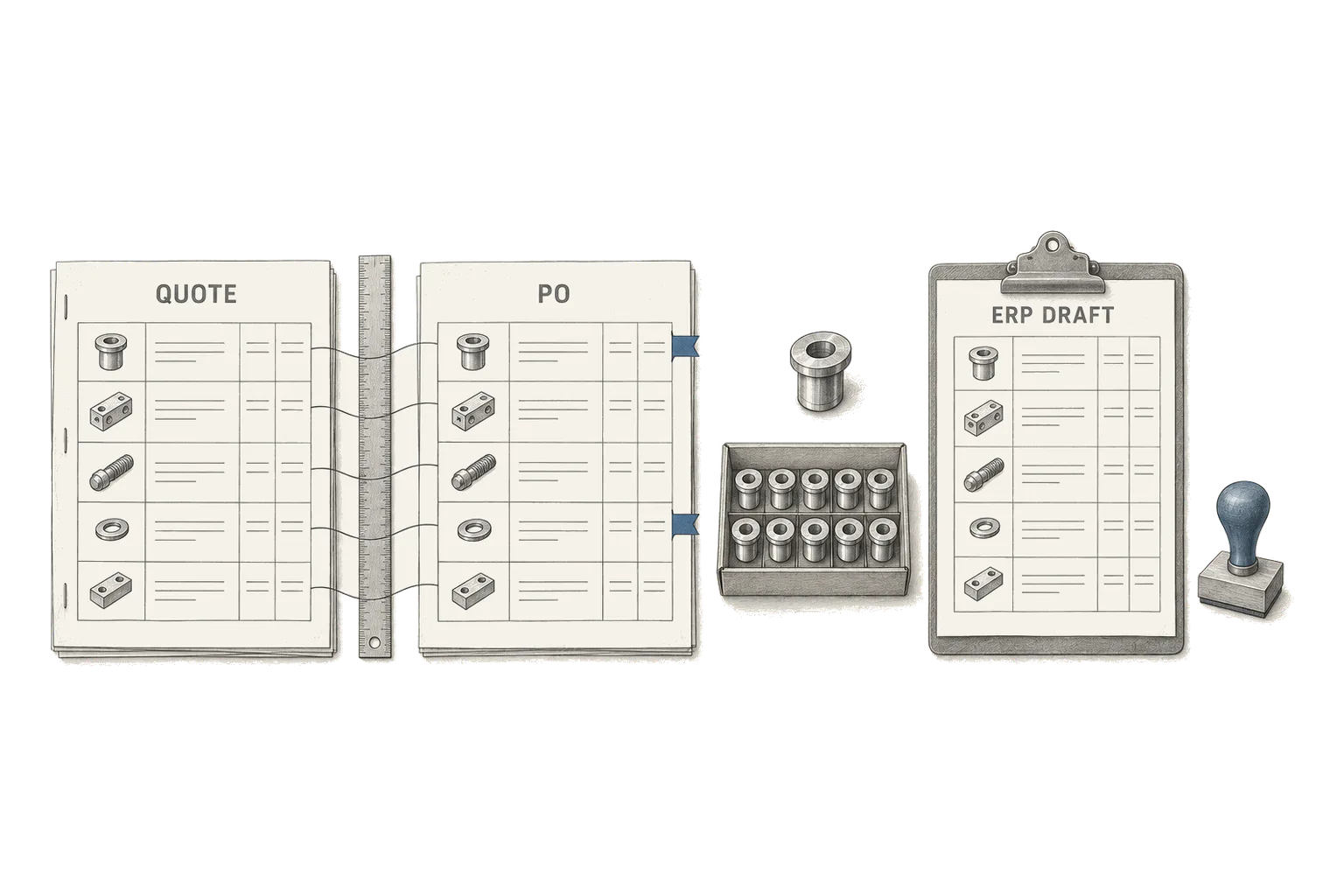
Overhead drawing of a quotation labelled QUOTE and a purchase order labelled PO linked line by line, two rows flagged, beside a clipboard labelled ERP DRAFT and an approval stamp.

One change, every system updated.

An update in one tool creates or changes the matching record in the next, so the same customer, order or price is never entered twice. Every request, action and result is logged.

It does
Carries the change into every connected system
You approve
Changes outside the rules you set; failed updates

How it works

From a request to a finished task.

A chat request or an event in one of your systems starts the work. “Invoice Kestrel Foods for October” pulls the customer and contract, creates the invoice and sends it. The same pattern fills an application or updates the same record in every connected system.

  1. 01

    Read the request

    From a message, a file or a trigger, it works out the customer or record, what needs doing and what is unclear.

  2. 02

    Collect the details

    It pulls fields from documents and from customer, order and billing records, and asks for anything missing.

  3. 03

    Prepare and check

    It fills the form, drafts the invoice or stages the update, then checks required fields, amounts and duplicates against your rules.

  4. 04

    Finish and hand over

    It submits, sends or updates where you allow it, sends exceptions to their owner and records the result.

Connects to the tools you already use

  • Tally
  • Zoho Books
  • QuickBooks
  • Xero
  • SAP
  • Odoo
  • Salesforce
  • HubSpot
  • Gmail
  • Outlook
  • WhatsApp

Anything else connects through its API or exports.

How you’ll know it’s working.

Time from request to completed task
Timed on the same task type before and during the trial, from the first message to the record being updated.
Corrections and review time
Every edit a reviewer makes to prepared work is logged, so we can see what still needs a person and why.
Duplicate or failed submissions
Counted from the system logs and compared with the period before the trial.
Records out of step between systems
Spot checks of the same records across connected tools, before and during the trial.

Your next step

Which task does your team keep repeating?

Bring a task your team repeats every week, the records it draws on and the tools involved. We’ll map it from request to completion and agree where a person signs off.

or email us directly athello@calquity.com