Product case study · Scholarly publishing
From manuscript to publication-ready files.
CalQuity Folio handles repetitive manuscript checks inside Word, keeps edits visible and reversible, and gives editors a clear path to validated publishing files.
- For
- Editorial and publishing teams
- Built by CalQuity
- Folio: Word add-in and local processing engine
- Evidence
- Product workflow and seeded-document tests
The problem
A manuscript carries more than text.
A long publication brings together styles, tables, citations, equations and contributions from different authors. Each needs checking before the document can move into production.
Cleanup repeats.
Spacing, hidden characters, inconsistent formatting and reference-manager fields create work that editors have to repeat across documents.
References need context.
A citation can point to a missing reference, an entry can appear twice, and identifiers need checking before anyone adds them to the manuscript.
Export has its own rules.
A document can look right in Word and still carry structural or metadata errors that prevent a valid publishing XML export.
CalQuity solution
Automate the checks. Keep editorial control.
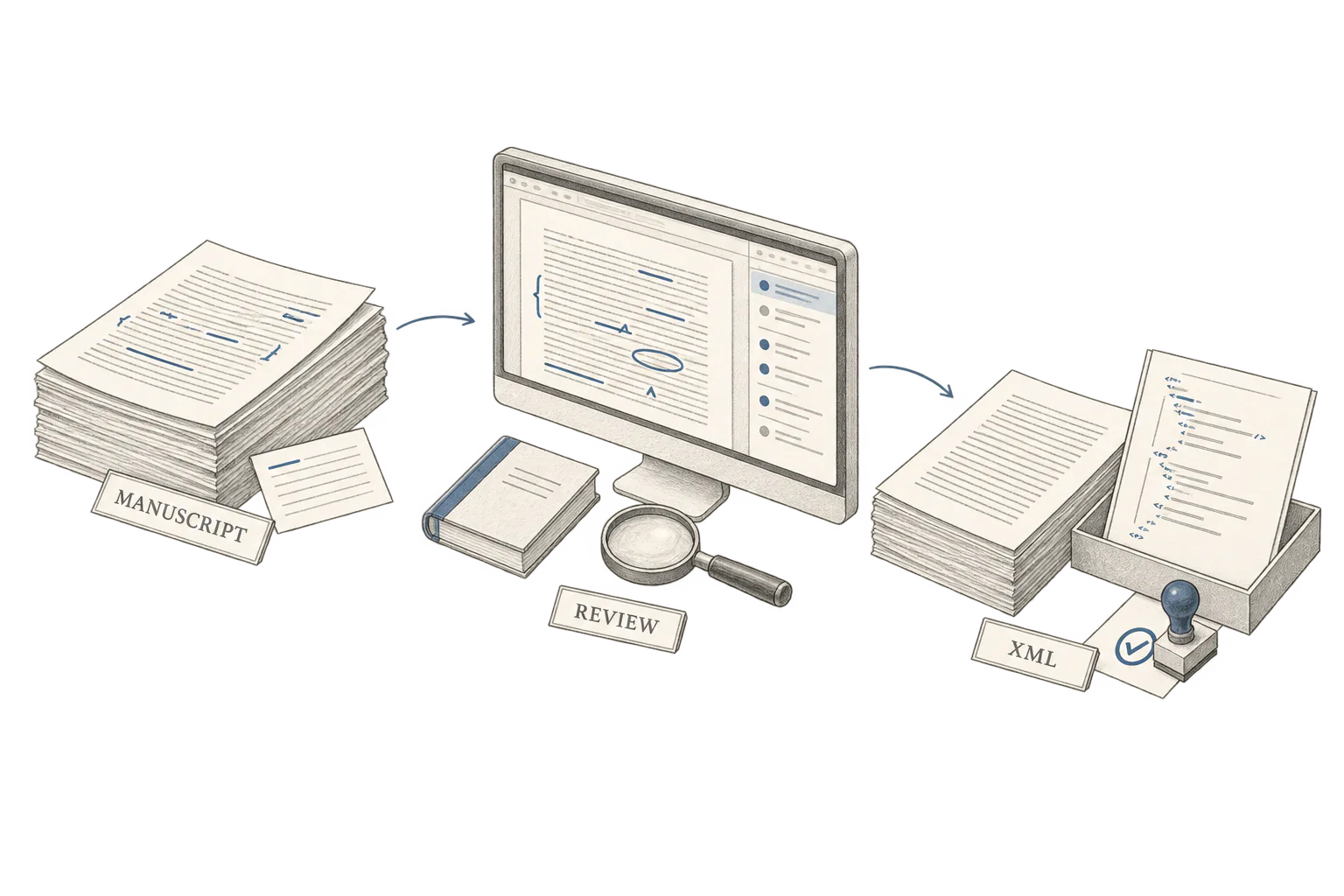
We built Folio around the editor's existing Word document. A local engine runs the selected rules, saves new versions and returns a document with native tracked changes.
- 01
Prepare and process
Choose a publication profile and the checks to run. Folio cleans formatting, applies styles and house rules, and checks references and document structure.
- 02
Review in Word
Accept or reject tracked edits. Work through findings that need judgement, with a reason and a link back to the relevant passage.
- 03
Export and validate
Re-read the reviewed document, then export book or journal XML in BITS or JATS format. Validation reports explain what still needs fixing.
The original stays available. Folio keeps a read-only original and saves a new version for each processing group that edits the document. Editors can compare versions or return to an earlier one.
Online checks are a choice. Core processing runs locally. Optional reference verification sends reference metadata to external services; manuscript-sharing features require separate opt-in.
The review boundary
A finding is a decision for the editor.
A repeated space can be corrected by a rule. A damaged character or an ambiguous citation needs a person. Folio separates reversible edits from findings that require judgement.
Tracked edit
A rule can fix the spacing.
The report is ready.
The correction stays visible in Word for the editor to accept or reject.
Finding for review
A damaged character needs a person.
See the [unreadable] reference.
The intended character is unknown. Folio flags the passage for the editor to retype.
Simplified view of the review boundary. The original document and its version history remain available.
Product validation
Tested on a deliberately difficult manuscript.
The supplied product test report describes a 249-page manuscript containing tables, equations, multilingual text and planted defects. It records 3,265 tracked changes and 204 findings.
- BITS 2.0 export passed DTD validation and the offline publishing style check.
- Separate semantic checks still flagged two planted corrupted-character errors for an editor to correct.
- An automated accept/reject comparison reported that rejecting all Folio changes restored the original text exactly.
These are reported product tests on seeded documents, not measured client outcomes. They demonstrate the workflow and its review boundaries; they do not establish time saved in a live editorial team.
Start with the context
Which checks keep your editors busy?
Walk us through a manuscript, your house rules and the files your production team needs. We will help you identify the steps worth automating.