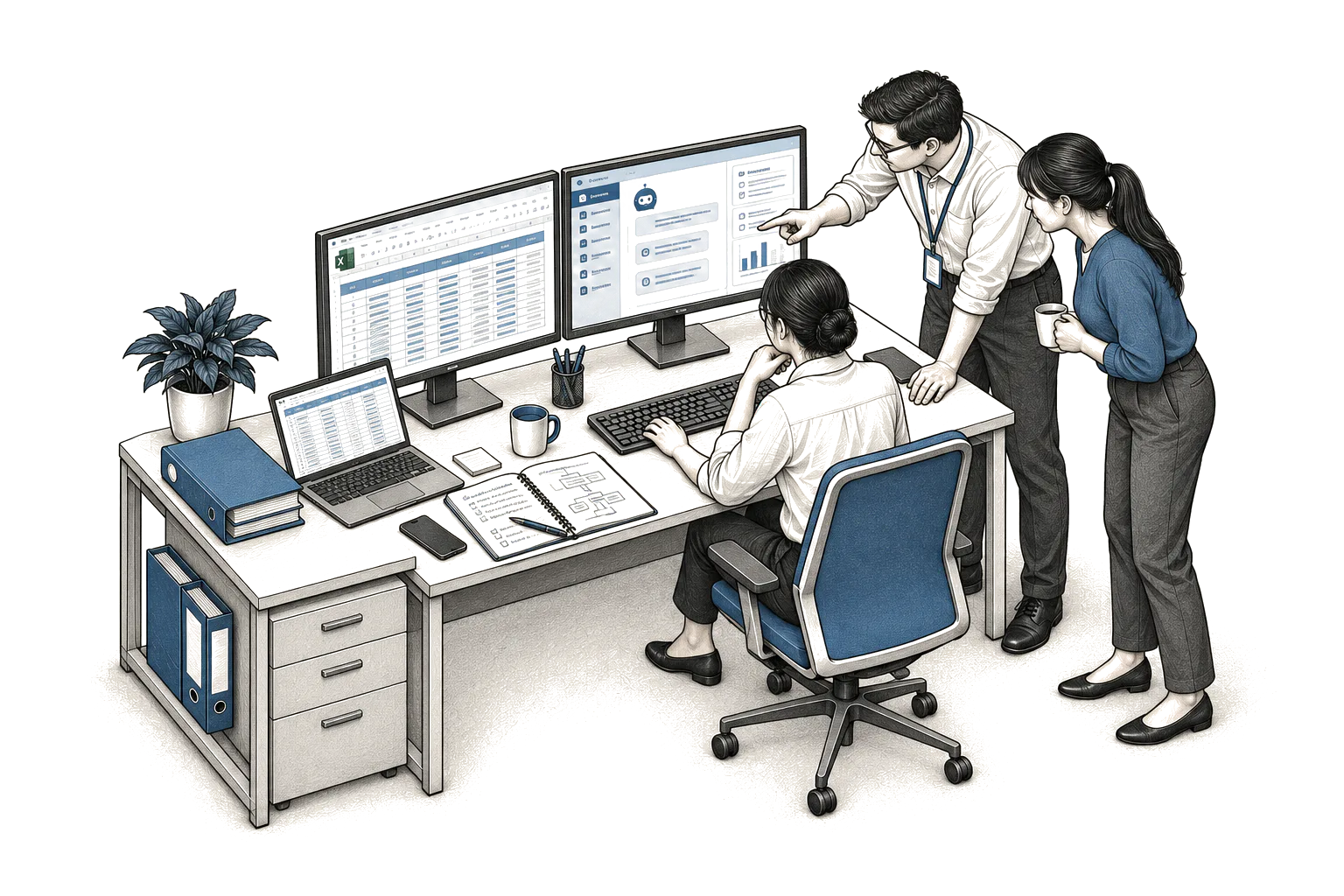
Staff are more likely to use a system when it removes work and leaves them clear authority over the decisions they own. They set aside any tool that adds clicks or takes away their say. You can see it happen: the old spreadsheet stays open right beside the new screen. This post follows one workflow from start to finish, first as it runs now and then with a system inside it. You can test each line against your own desk.
How the work runs today
This scene is illustrative. It is how the work runs today, not evidence that anyone delivered this. A dispatcher opens the transporter's evening spreadsheet while the phones are still quiet. She spends the morning taking driver calls about road blocks and late arrivals, writing notes in the margin and keeping the plan in her head. When the goods receipt lands by mail and misses a pallet count, she rings the warehouse lead to ask what actually came off the truck. The leasing manager is waiting on a lease rider that needs a date fixed. The front desk passed on messages late last night when cover was thin. She retypes the same addresses into your roster software by hand, and checks driver hours against a paper list on the wall. She holds loads for a few key clients while she sorts the rest. When the plan is ready she sends it by text, because that is what drivers actually read.
Nothing here is broken. It is also nowhere visible to anyone but her. If she called in sick, the whole picture would go with her. That grip on detail is exactly why the work still moves. It is also why any new tool has to fit inside this morning, or it will sit unused.
How the same work runs with help
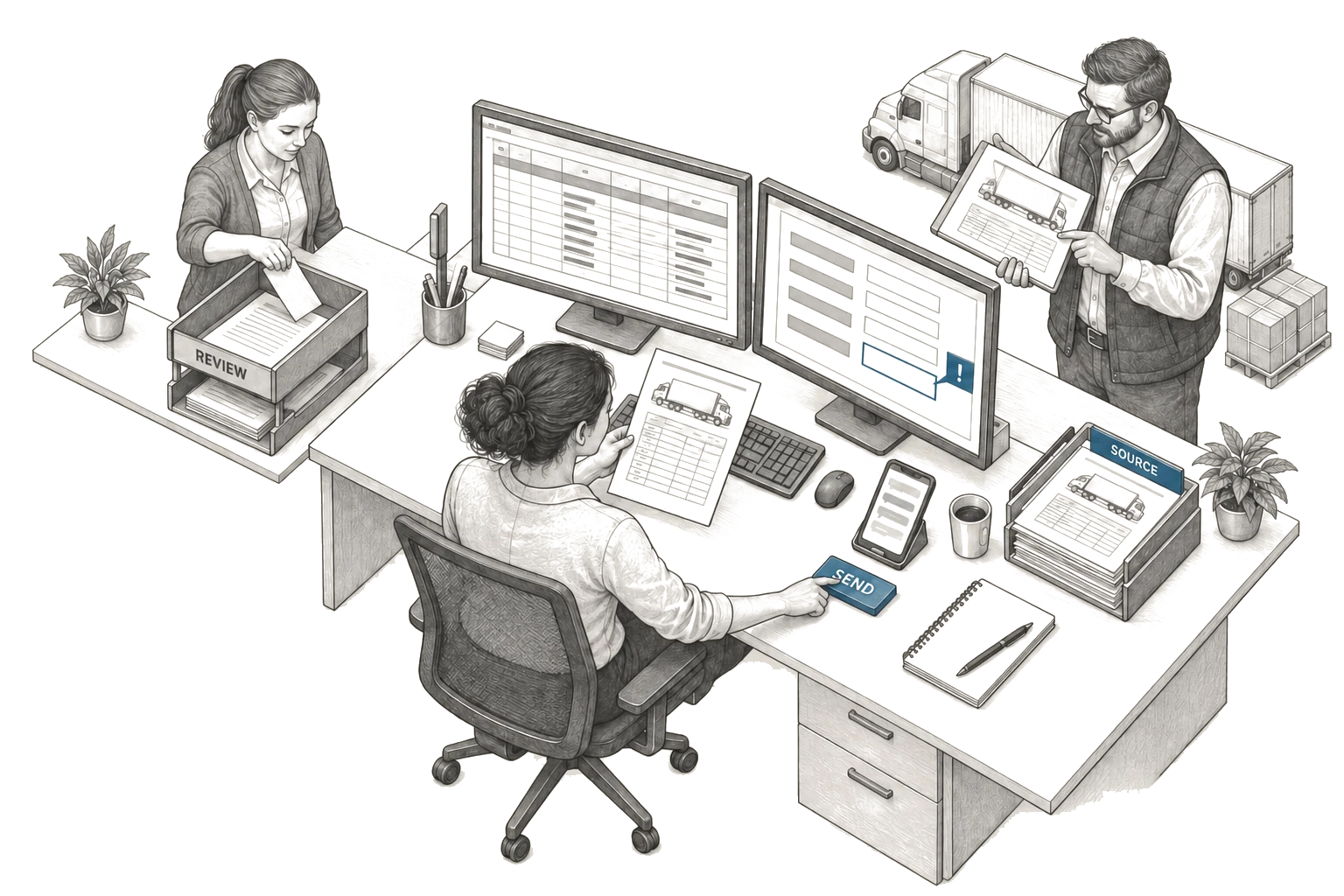
This scene is illustrative. It is the same morning with a system sitting beside the work. The dispatcher opens the same spreadsheet, and the system reads alongside her. It pulls addresses from your records so she stops retyping them, and flags the goods receipt where the pallet count is blank. She clicks the flag, reads the truck note in plain words, and still makes the call on whether to hold or move the load. The lease rider sits in the same view with the date field left open. The leasing manager sees the same mark without asking her for a copy. The front desk adds its late notes in the same place it always did. Drivers still get the plan by text, because that is what they read; the system drafts the text, but she is the one who sends it.
When the system is unsure, it says so and leaves the line empty. When it makes something up, she can see the source and catch it, correct it in plain words, and it keeps her fix. The old spreadsheet stays open until she trusts the new view. Use spreads only when the morning genuinely feels lighter with the system in it. No extra login sits between her and the work she knows, and no judgement moves off her desk and onto the screen.
Why staff leave new tools alone
Staff do not reject help. They reject added steps: a tool that asks for clean input before it gives any value loses them, and one that hides why it suggests a move loses them faster still. A tool that sends the plan in a form drivers ignore loses the whole day. People keep whatever method lets them stay in control. They keep the spreadsheet because it bends without asking permission, text because drivers actually answer it, and paper because it never logs them out.
Use dies when a system wants more of their care than it saves in their time. It lives when it takes the typing away and gives the sight back. The test is plain: the old sheet closes on its own because nobody needs it anymore. That close is the measure that counts, and how to measure adoption shows how to track it without fooling yourself.
Watch daily habits rather than logins. Watch whether the dispatcher still keeps a side copy, and whether the front desk still passes paper after hours. Watch whether the leasing manager still asks for a copy by mail. If those side copies fade, the work has genuinely moved. If they stay, the system is only sitting beside the work, not inside it.
How to build beside the people who do the work
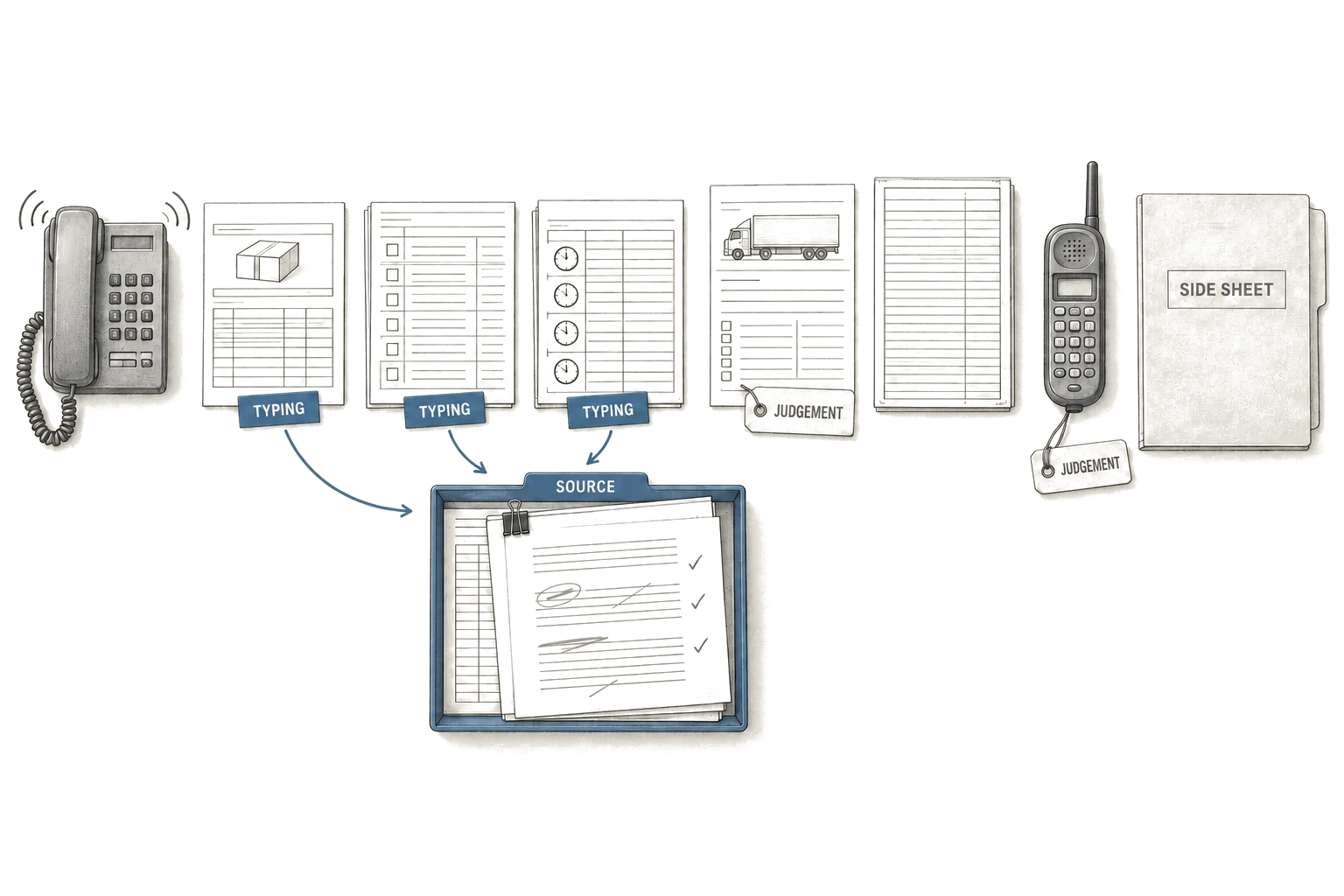
Sit with the person who runs the desk and map each click, each call, and each wait in plain sight. Let them mark where judgement lives and where the typing drags, then shape the system to take the drag and leave the judgement alone. Show the source beside every draft so doubt has somewhere to go, and let the dispatcher send the plan herself rather than have the screen send it for her.
Keep the connection to your ERP quiet and out of the way, and keep how fast it answers within the rhythm of the desk. Keep the cases it got wrong in view so the fixes actually stick, and change the work in small moves that staff can undo. At the end of each week, ask what still needs the side sheet, and remove the next drag only once the last fix has held.
This is slow work, and it is the work that earns use. It trades a grand launch for a desk that feels a little lighter each week. Staff adopt what they helped shape, because it carries their marks, and they defend what leaves them in charge of the call.
What this does not solve
This does not fix thin staffing or unclear ownership. It does not settle who can approve a late load or a rate break. It will not clean dirty addresses in your records on its own, or teach drivers to read a new channel.
It will demand time from the people you can least spare. It will demand that the dispatcher corrects its drafts in the open, and that leads agree on who owns each field. It will also demand that someone actually kills the old sheet once its time has ended.
If fixed rules can do the job, compare ordinary automation with AI using the full cost of implementation, review and maintenance. Keep the rulebook where rules suffice, and save the system for work where judgement matters and typing steals the day. Be clear on this before you spend.
A test you can run next week
Pick a workflow you run each day and watch it up close. Bring the owner of the work and the keeper of the records to the same table. Use this list to guide the hour.
- Name the role that owns the final call when plans clash.
- Name the document that causes most rework when it is wrong.
- Name the side sheet that staff trust more than the main screen.
- Mark where judgement lives and where typing drags.
- Agree what closing the side sheet would look like in daily habits.
- Agree who will correct drafts in the open for a short trial.
- Agree what stays manual until trust grows.
- Set a date to check if the side sheet still opens.
If the side sheet still opens each morning, the system has not earned its place yet. If it stays shut, the system has earned it.