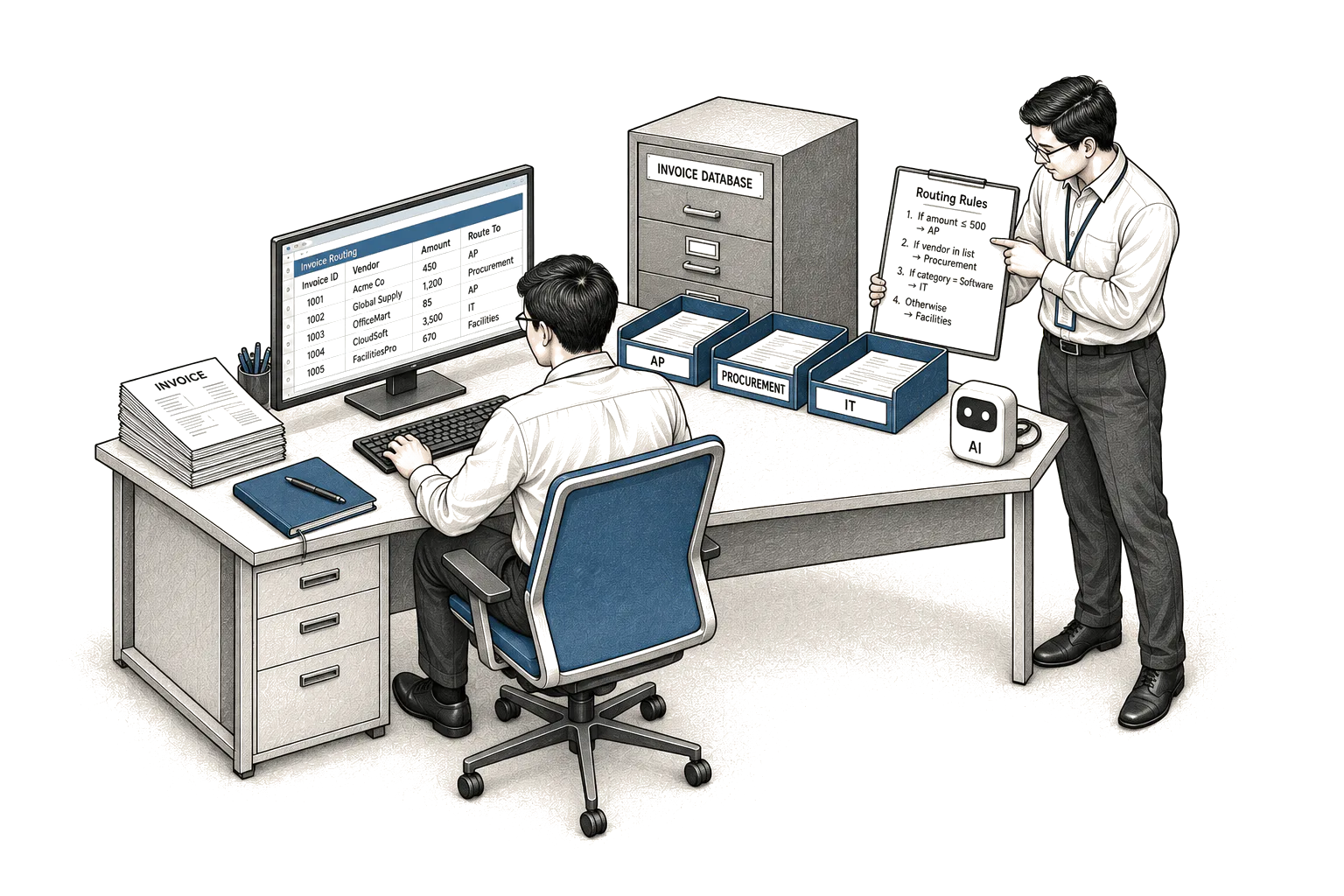
If a clerk with a rulebook can already do the job without judgement, you do not need AI for it.
Most work in an operation fits that description. A form arrives. A check runs. A file moves. A note goes out. The steps stay the same. The answers stay the same. Software that follows rules will do that work well. It will cost less. It will break less. It will be easier to fix.
AI earns its place in a narrower spot. It helps where the input cannot be specified in advance. The words change each time. The layout changes. The request is messy. A person must read and decide what it means. That is where rules run out.
Think of the dispatcher at six in the morning. Trucks are waiting. A driver calls in sick. A customer changes a delivery window. The transporter's evening spreadsheet no longer matches the day. No rulebook covers that mix. Someone must read the messages, weigh the trade-offs, and set a new order.
Contrast that with the goods receipt. A delivery arrives. The quantity on the slip either matches the order or it does not. The date is either right or late. A clerk can follow that check each time. Code can do it faster. There is no judgement to automate. There is only work to standardize.
The confusion comes from sales talk. Almost anything on a screen can be called smart. None of that tells you what the tool does. You need a clearer test. You can run it without help from IT.
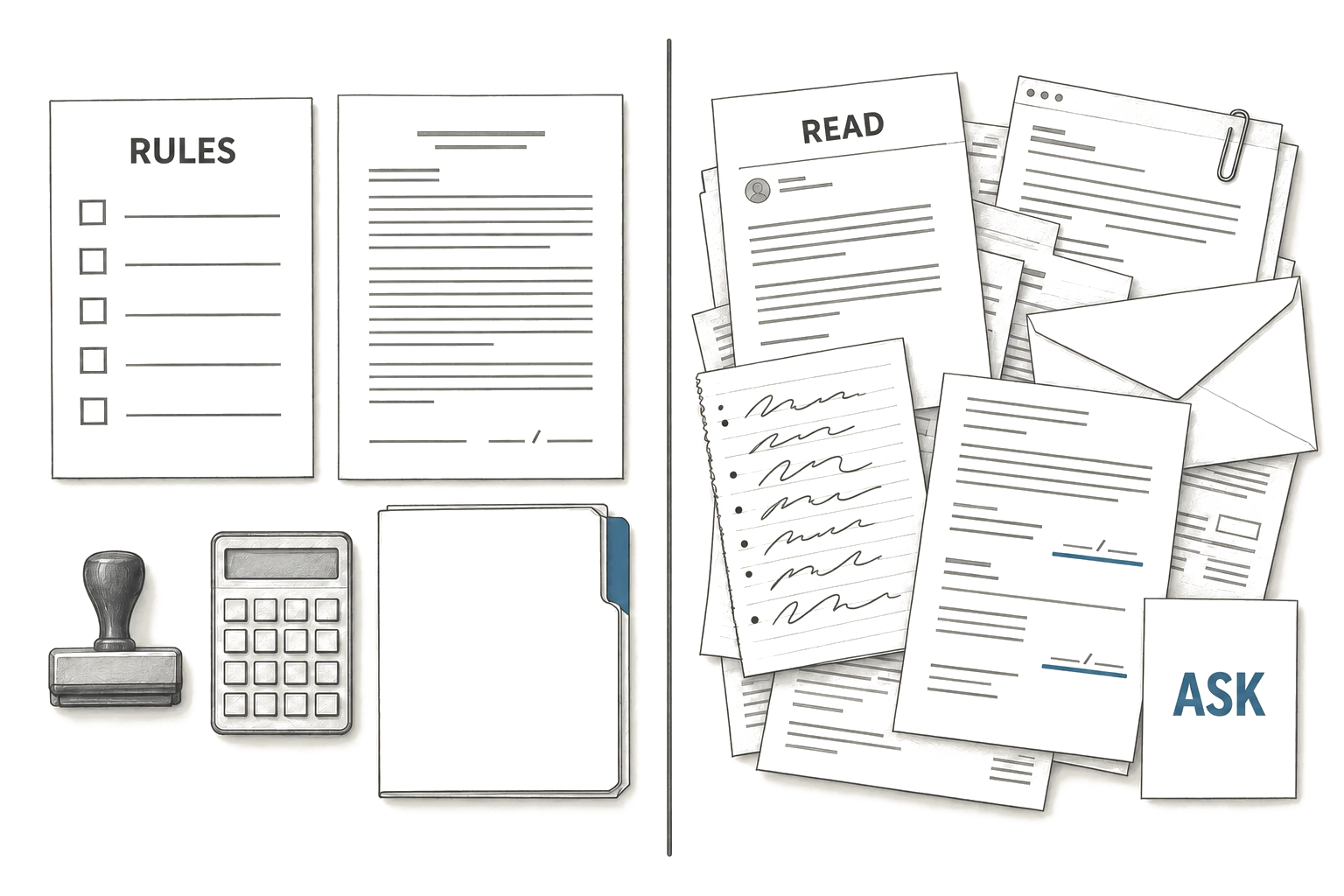
The rulebook test
Take the task you are asked to improve. Write the steps as you would explain them to a new hire. Use plain words. Note where they must stop and ask you.
If the steps fit on a single sheet, and a careful new hire could follow them for a week without asking for help, that task wants plain software. Buy the simple tool. Connect it to your records. Keep the rules where you can see them.
If the new hire keeps stopping to ask what a message means, or which paper matters, or what to do when two rules clash, that task may suit AI. The input varies. The meaning must be pulled from messy words. A fixed rule will snap.
A leasing manager sees both kinds in one day. A lease rider with a standard clause is rule work. The dates and amounts either match the file or they do not. A stack of renewal emails is different. Each tenant asks in their own words. Each one hides the real date they want to leave. Someone must read through the politeness and find the intent.
Your records decide more than the tool does. Clean records make simple software strong. Messy records make any tool weak. Before you buy, look at where the facts live.
The front desk at nine in the evening shows this well. Guests arrive late. Messages pile up. A request for an extra bed can sit inside a long email about a late flight and a parking space. The meaning is there, but no field holds it. Rules cannot find it. Reading is required.
For when a business should use AI, the distinction comes down to whether the input can be listed in advance. If it can, build with rules and tables. If it cannot, consider a system that reads.
Where reading matters and where it does not
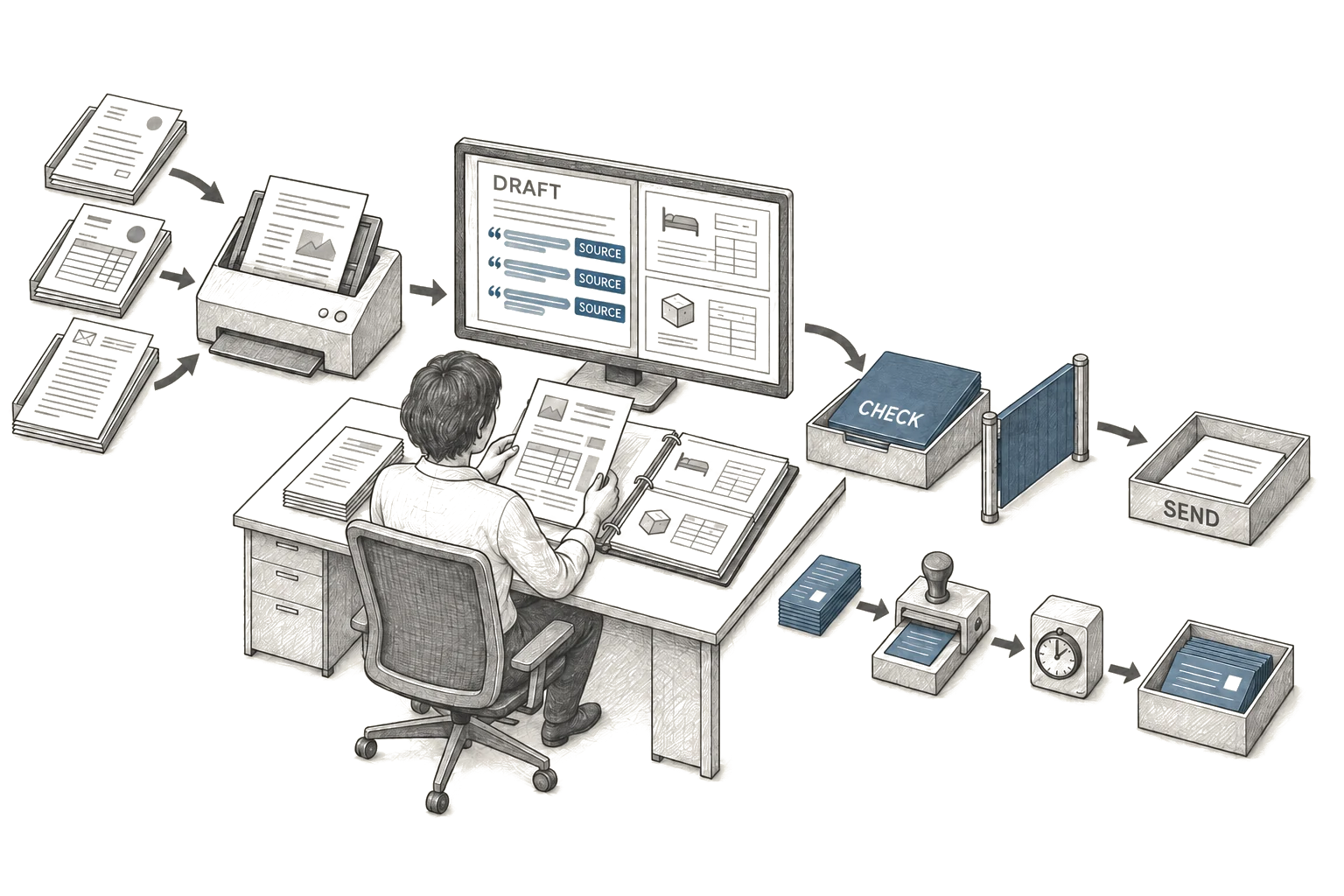
Reading matters when the words change but the job stays the same. Complaints arrive in many forms. Invoices arrive in many layouts. A person can see through the variation.
Reading does not matter when the work is already structured. Status changes. Approvals. Reminders. Copies to the file. These need reliable links between systems you own. Adding AI here adds cost without adding sense.
Watch for the cases it got wrong. Rule software fails in ways you can trace. Reading software fails in ways that look smooth. It can write a neat reply that misses the point. It can make something up when the file is silent.
So ask where errors land. If an error means a late truck or a wrong payment or a missed renewal date, you need a check by a person. Keep the person in the loop. Let the tool draft and sort. Never let it send or post or pay on its own.
Also ask how fast it answers. If staff wait while the screen spins, they will work around it.
Questions to ask before you agree to anything
Bring this list to the meeting. No engineer needs to be present. Ask for plain answers. Write them down.
-
Can you show the rule version of this job.
- Good sounds like: here are the steps as rules, and here is where rules break because the wording varies too much.
- Bad hides this: every job needs reading, so the rule version is never shown. That often means the seller did not try the simple build.
-
What input cannot be listed in advance.
- Good sounds like: tenant emails use different words for the same move-out date, and the date rarely sits in the same place.
- Bad hides this: talk about volume and speed instead of variation. Volume alone points to plain software, not AI.
-
Where do the facts come from.
- Good sounds like: from your booking system and your goods receipt file, named and dated, plus the message text itself.
- Bad hides this: vague talk about public knowledge or past examples. Your work runs on your records, not on general text.
-
What happens when it reads wrong.
- Good sounds like: it flags low confidence work for the dispatcher, shows the source lines, and never sends to a customer alone.
- Bad hides this: talk about overall correctness with no path for a single error. You live with single errors, not averages.
-
Who fixes it when the work changes.
- Good sounds like: your lead can change the rule or the instruction in plain words and test it the same day.
- Bad hides this: each change needs a project and a work order. That means you do not control the tool.
-
What access does it need, and for how long.
- Good sounds like: read access to named folders, with a log of each look-up, cut to the least needed.
- Bad hides this: full access to mailboxes and drives with no expiry. That shifts risk to you with no benefit.
-
How does it behave when the file is silent.
- Good sounds like: it says it cannot find the answer and points to the closest paper it did find.
- Bad hides this: it always produces a neat answer. A tool that never admits a gap will invent one under pressure.
Run the test on a small pile of real work. Pull recent emails, slips, and notes. Have staff mark the right outcome first. Then run the tool beside them. Keep notes on the cases it got wrong.
What this does not solve
This will not fix thin staffing. It will not fix unclear ownership. It will not clean your records. It will not settle disputes between teams about what counts as done.
It will demand time from the people who know the work best. Your dispatcher must review early drafts. Your leasing manager must mark what counts as a renewal risk. Plan cover for it. If those people cannot spare hours each week during the trial, wait until they can.
It will demand access choices. Someone must decide which folders the tool can read. Someone must approve what it may draft, and what it may never send. You will need a simple log. Who looked at what. When. Why. If you cannot get that access approved, do not start.
It will demand a stop rule. Agree in advance what error ends the trial. Name it in words your team uses. A wrong house number on a dispatch note. A missed move-out date. A payment sent without a check. One such miss can cost more than weeks of saved typing.
Pick a single task where reading is the block. Keep a person checking each output. Measure in terms you can count yourself, such as minutes a call takes with the current check, or days late on the current file. State your assumptions in the same note, such as which desk did the counting and which weeks were covered. If the tool does not ease that task under those terms, keep the rule version and move on.